
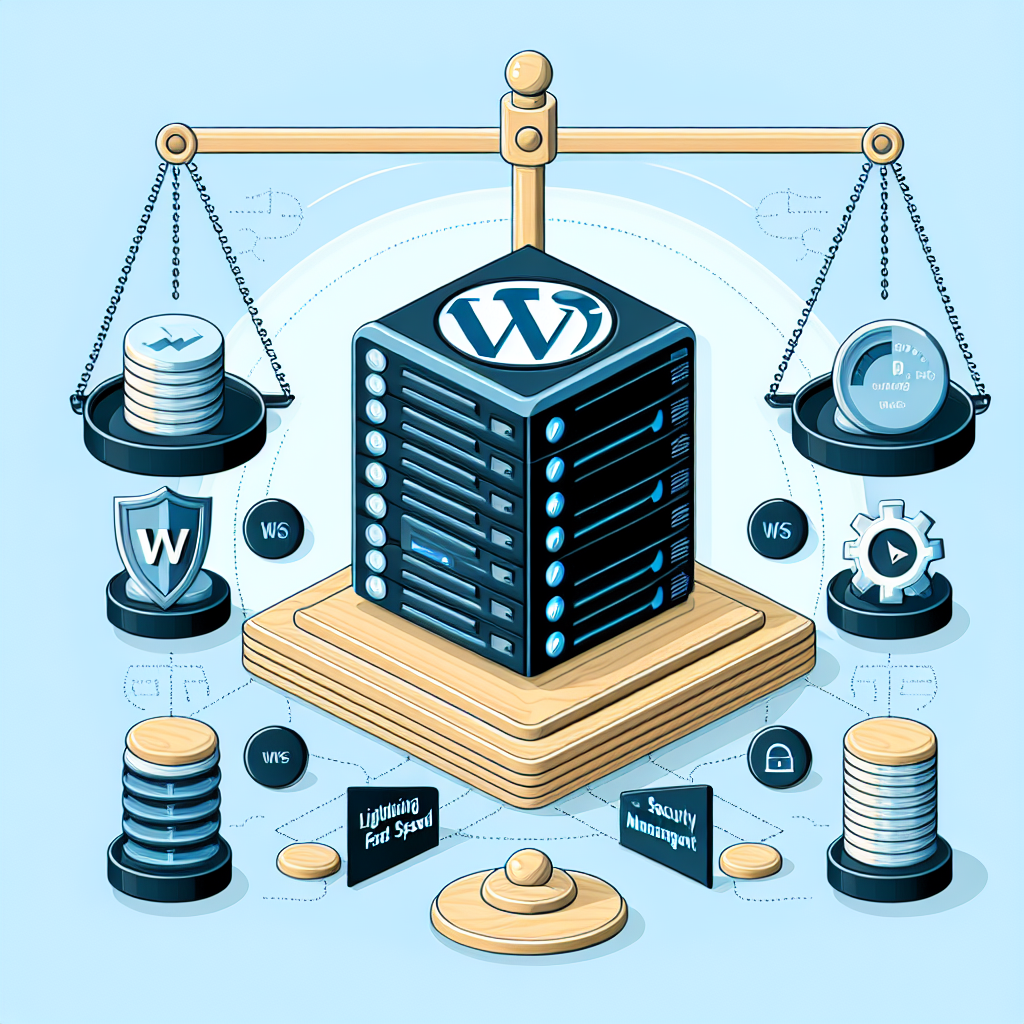


Managed WordPress Hosting With DNS Management: Features, Pros and Cons
If you’ve ever launched a WordPress site and felt like you were juggling five tabs and three vendors just to get the thing online, you’re not alone. Managed WordPress hosting with DNS management is the “all-in-one” answer many teams pick to simplify launch, boost speed, and stop firefighting. Done right, it can shave seconds off load times, tighten security, and make site changes less nerve‑wracking. Done wrong, it can box you into an expensive, opaque setup you outgrow too fast.
This guide breaks down what it is, which features matter in 2026, where the real tradeoffs lie, and how to pick smart.
What “Managed WordPress hosting with DNS management” actually means
– Managed WordPress hosting: A provider runs the server stack that powers your site—web server, PHP, database—optimizes it for WordPress, and handles updates, backups, security hardening, and performance tuning.
– DNS management: The same provider (or a tightly integrated partner) hosts and manages your authoritative DNS zone—where your domain’s A, AAAA, CNAME, MX, TXT, and other records live.
Why combine them? Fewer vendors, fewer handoffs, better visibility when something breaks, and—if well implemented—faster page loads and higher uptime.
Why DNS matters for WordPress performance and reliability
DNS is the map that guides users and bots to your site. It influences:
– Time to first byte (TTFB): Slow DNS resolution adds latency before the first byte even leaves your server.
– Uptime and failover: Smart DNS can shift traffic during outages using health checks and regional routing.
– Security: DNSSEC defends against domain hijacking; DDoS protection at the DNS edge stops floods early.
In 2026, with Core Web Vitals still shaping SEO and ads revenue—and INP replacing FID in 2024—hosts increasingly treat DNS as part of the performance stack, alongside CDN and edge caching.
Core features to expect from modern managed WordPress hosting (2026‑ready)
If a provider calls itself “managed” today, baseline expectations should include:
– Performance
– Server-level and full-page caching (NGINX/Apache/LiteSpeed), configurable per route.
– PHP 8.2/8.3 with OPcache; persistent object cache (Redis or Memcached).
– HTTP/2 and HTTP/3 (QUIC), TLS 1.3, Brotli compression, IPv6.
– CDN/edge caching integrated with automatic image optimization (WebP/AVIF) and responsive image handling.
– Security
– Web application firewall (WAF), bot mitigation, DDoS protection at the edge.
– Automatic malware scanning and isolation; least-privilege SFTP/SSH; 2FA/SSO for the control panel.
– Automatic and custom SSL/TLS certificates; HSTS support.
– Reliability and workflow
– Daily (or more frequent) backups, easy one-click restore, and automated test restores.
– Staging environments and safe deployment tooling; Git and WP‑CLI access.
– Uptime SLAs with proactive incident comms and real-time status pages.
– Updates and compatibility
– Managed WordPress core updates; safe mode rollbacks.
– Compatibility testing for PHP bumps and major WordPress releases (e.g., 6.5+).
– Observability
– Performance analytics (TTFB, cache hit ratio) and log access.
– Real-user monitoring (RUM) or integrations with common APM tools.
DNS features to look for (not just “A and CNAME”)
A quality DNS offering in 2026 looks like this:
– Anycast authoritative DNS with global PoPs for low-latency resolution.
– DNSSEC with simple enablement and DS record automation at common registrars.
– Apex aliasing/flattening (ANAME/ALIAS) so you can point your root domain to a CNAME‑only target (common with CDNs).
– Health checks and failover (automatic record switching on outage).
– GeoDNS or latency-based routing for sending users to the closest region.
– Advanced record support:
– AAAA for IPv6, SRV where relevant, TLSA if you’re doing DANE, CAA for certificate issuance control.
– TXT record helpers for SPF/DMARC/DKIM and ownership verification.
– Analytics (query volume, NXDOMAIN trends, propagation status).
– Tight integration with your hosting/CDN (automatic record updates on new environments, blue-green deploys, or CDN changes).
– DDoS mitigation at DNS layer and rate limiting for abusive queries.
Pro tip: Make sure the provider’s DNS offering distinguishes between registrar, DNS host, and CDN. They’re often bundled, but not the same thing.
Architectural models you’ll see in the market
– Built-in DNS: The hosting company runs its own authoritative DNS. Pros: single bill, tight integrations. Cons: feature set may lag best‑in‑class DNS networks.
– Bundled via partner: Many top WordPress hosts now integrate with Cloudflare, Fastly, or similar. Pros: edge network scale, modern features (HTTP/3, bot management). Cons: variable transparency; you may have limited knobs.
– BYO DNS: Use Route 53, Cloudflare, DNS Made Easy, or NS1 while the host manages WordPress. Pros: best-of-breed DNS capabilities. Cons: two dashboards, more coordination.
Where it helps most: performance and Core Web Vitals
– Lower TTFB: Anycast DNS + edge caching = fewer round trips.
– LCP stability: Faster HTML delivery from edge caches reduces Largest Contentful Paint volatility during traffic spikes.
– INP foundations: Hosting and DNS won’t fix slow JS, but faster responses and fewer blocking requests help keep interaction smooth once you optimize code.
– Image/CDN pipeline: Automatic WebP/AVIF, resize, and lazy-loading at the edge reduce payload quickly without dev work.
Look for:
– Cache hit ratio above 80% for public pages.
– Edge HTML caching for non-logged-in users (with careful cache-busting around WooCommerce carts and checkout).
– Brotli over Gzip, TLS 1.3, and HTTP/3 enabled by default.
Security posture: where DNS fits
– DNSSEC: Prevents DNS spoofing; enable it and verify DS records are live.
– CAA records: Whitelists which CAs can issue certs for your domain; reduces risk of mis‑issuance.
– DNS-based DDoS absorption: Anycast networks soak attacks before they touch your host.
– Email-adjacent records: Even if your host doesn’t do email, you’ll set SPF, DKIM, and DMARC in DNS. Good UIs help avoid pitfalls like SPF flattening limits (10‑lookup rule).
Pros
– Simplicity with performance
– One vendor to optimize web, CDN/edge, and DNS end-to-end.
– Faster launches: automated TLS, DNS record helpers, and staging URLs.
– Real gains in speed and uptime
– Anycast DNS + edge caching reduces latency globally.
– Health checks and failover limit downtime windows.
– Better security surface
– Unified WAF, DDoS, and DNSSEC reduce configuration gaps.
– Developer and marketer productivity
– Staging, backups, and safe deploys shrink QA cycles.
– SEO and analytics teams get cleaner, faster baselines for tests.
Cons
– Cost and overages
– Visit- or bandwidth-based billing can spike costs during campaigns.
– Advanced DNS features (GeoDNS, SLA-backed failover) may be add-ons.
– Lock-in and limited control
– Plugin restrictions, custom server modules not allowed, or no root access.
– DNS/edge rules may be abstracted—you can’t always fine-tune.
– Mixed transparency
– Some “Enterprise edge” bundles hide which PoPs, cache rules, or WAF rules are actually active.
– Email isn’t included
– You’ll still need external email hosting, and DNS changes can break email if misconfigured.
– Multi-region complexity
– Global edge is easy; true active-active origin setups are harder and may need a premium tier.
Who benefits most
– Agencies managing many brochure sites and content hubs that crave fast TTFB and simple workflows.
– Publishers with global audiences needing edge caching and resilient DNS.
– WooCommerce stores that want managed stacks with object caching and queue/offload tooling, plus careful cache rules around carts/checkout.
– Marketing teams running frequent campaigns who need staging, instant SSL, and no-downtime DNS updates.
Who may not love it:
– Teams requiring custom kernels, exotic binaries, or non‑WordPress microservices co‑located on the same box.
– Heavily bespoke, multi-tenant apps that need Kubernetes-level orchestration or specialized data services.
Costs and pricing gotchas
– Metering model: Visits vs. bandwidth vs. requests. If your site is API-heavy or gets botty traffic, ask how it’s counted.
– CDN egress: Some “included CDN” plans throttle or upcharge beyond a quota.
– DNS tiers: Basic DNS is usually free; GeoDNS/failover can be premium.
– Backup retention: Longer retention windows (30–90+ days) may add cost.
– Redis licensing: Some hosts include Redis; others offer it as a paid add-on, or support premium plugins like Object Cache Pro at extra cost.
Ask for:
– Transparent rate cards for overages.
– Cache hit ratio targets and how they reduce measured visits.
– A test plan for planned spikes (product drops, TV spots).
Migration playbook (DNS‑aware)
Migrations go smoothly when you prepare DNS like moving to a new apartment and making sure your mail is forwarded the same day.
– Two weeks out
– Audit all DNS records (A/AAAA, CNAME, MX, SPF, DKIM, DMARC, CAA, TXT verification, third-party subdomains).
– Lower TTLs on key records (e.g., 300 seconds) to enable quick cutover.
– Enable DNSSEC on the new provider but don’t publish DS until switch day.
– One week out
– Stage the site; run performance tests (TTFB, LCP, cache hit ratio).
– Verify SSL/TLS chain with the new provider; confirm CAA includes their CA.
– Cutover day
– Update A/AAAA/CNAME records; if the provider requires CNAME at apex, ensure ALIAS/flattening is enabled.
– Validate with dig/nslookup from multiple regions; confirm CDN headers and cache status.
– Publish DS at registrar to complete DNSSEC chain (if changing DNS providers).
– Monitor logs for 24–48 hours; watch for email disruptions (SPF/DKIM/DMARC).
– Rollback plan
– Keep old hosting live for 48 hours to catch stragglers at high TTL resolvers.
– If needed, swap records back quickly thanks to the lowered TTLs.
Common pitfalls:
– Forgetting verification TXT records (Search Console, SaaS tools).
– Breaking email by overwriting MX or missing SPF includes (remember the 10‑lookup SPF limit).
– Not accounting for CDN or host IP allowlists in third-party integrations.
Smart picks and market notes for 2026
– Edge-first stacks are the norm. Many managed WordPress hosts now bundle Cloudflare or Fastly under the hood. That’s good for speed; ask for clarity on which features you control (cache rules, WAF modes, firewall events).
– PHP 8.3 adoption is broad. If your host is lagging on PHP or WordPress version support, that’s a red flag.
– Object caching is table stakes. Redis should be available and easy to enable; for WooCommerce or large content sites, it’s essential.
– Core Web Vitals still matter. Hosts talk about TTFB and LCP; ask for RUM data or Lighthouse tests from multiple regions.
– DNSSEC enablement has gotten simpler. Expect one-click activation and automatic DS record guidance for major registrars.
– HTTP/3 and QUIC are standard. If your edge doesn’t support them, you’re leaving performance on the table—especially for mobile networks.
Checklist before you buy
– Performance
– Edge HTML caching for anonymous traffic?
– Brotli, HTTP/3, TLS 1.3 by default?
– Redis or integrated object caching available?
– DNS
– Anycast DNS with global PoPs?
– DNSSEC, CAA, apex aliasing/flattening supported?
– Health checks, failover, and GeoDNS options?
– Clear analytics and propagation tools?
– Security
– WAF and DDoS at edge included? Custom rules?
– Access controls: SSO/2FA, per‑environment credentials?
– Workflow
– Staging, backups (frequency/retention), one‑click restore?
– Git/WP‑CLI/SSH access?
– Transparency and cost
– Overages explained (visits/requests/bandwidth)?
– CDN and DNS advanced features included or add‑on?
– SLA and support response targets?
– Compliance
– Data residency options? Access logs retention controls?
– Audit support if you’re in regulated industries?
A quick comparison to the DIY route
Running WordPress on a cloud VM with your own DNS (say, Route 53 or Cloudflare) is flexible and often cheaper at scale. You’ll control every knob—Nginx config, cache policies, WAF rules—but you own patching, scaling, observability, and incident response. Managed hosting is like choosing a serviced condo over a standalone house: fewer chores, faster fixes, but house rules apply.
Examples of configurations that work well
– Content sites with global readership
– Managed host with Cloudflare Enterprise edge, HTML caching for public pages, DNSSEC on, CAA restricted to chosen CA, and image optimization at the edge.
– WooCommerce stores
– Managed host with object cache (Redis), page cache exclusions for cart/checkout, server-side queue workers, and DNS health checks pointing to a warm standby in another region.
– Agencies with many microsites
– Centralized DNS with templates (CAA/SPF/DMARC prefilled), staging automation, and per‑site cache analytics to spot offenders quickly.
What to monitor post‑launch
– Cache hit ratio and TTFB across regions; watch for sudden drops after content changes.
– DNS query volume and NXDOMAIN spikes (often a sign of typos or bots).
– TLS handshake errors, HTTP/3 adoption rate, and Brotli usage.
– INP and LCP in field data (CrUX/RUM), not just lab tests.
– Security events: WAF blocks, bot scores, and any surge in 403/429 responses.
Bottom line
Managed WordPress hosting with DNS management can deliver real, measurable gains: faster global performance, fewer moving parts, and a sturdier security posture. The value is highest when the provider truly integrates DNS, CDN, caching, and WordPress expertise—not just slaps a logo on a partner network.
Go in with eyes open about costs, control, and lock‑in. Ask for cache hit ratios, verify DNSSEC, confirm edge features you can actually manage, and pressure test overage policies before traffic surges. Do that, and you’ll end up with a stack that’s faster, simpler, and easier to sleep on—even during launches.

Leave a Reply