
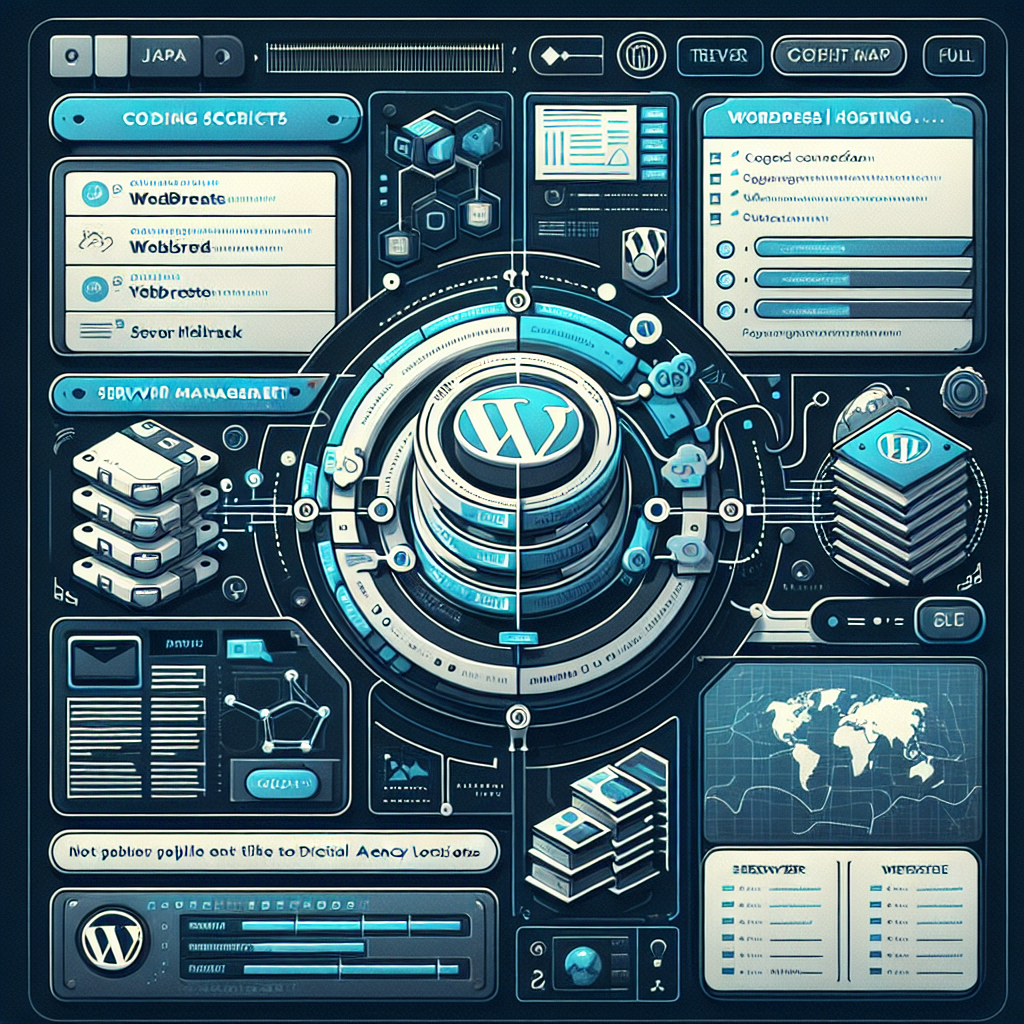


If you run a digital agency, you’ve probably asked yourself: should we keep sending clients to third‑party hosts, or should we own the hosting experience end‑to‑end? White‑label WordPress hosting is the middle path—your brand up front, a proven infrastructure behind the scenes. Done right, it reduces support chaos, boosts client stickiness, and turns project spikes into steady monthly revenue.
Below is a practical guide to what it is, how it works, what to look for, and how to roll it out without losing your weekend.
What white‑label WordPress hosting actually is
White‑label hosting lets you resell hosting under your agency’s name while the underlying infrastructure, support tooling, and automation are handled by a provider. Your clients see your logo, your portal, and your emails; your team gets production‑grade WordPress tooling, backups, security, and performance features without building a platform from scratch.
Think of it as a turnkey backstage: all the rigging, lights, and safety checks are there, but the audience only sees your show.
Why agencies care now
A few forces have made white‑label hosting more compelling in the last couple of years:
– Core Web Vitals matter more commercially. With Interaction to Next Paint (INP) replacing FID in 2024, performance isn’t “nice to have”—it affects SEO and conversion. Managed stacks with built‑in caching, edge delivery, and PHP tuning make it easier to hit green scores consistently.
– Clients expect one accountable partner. After migrations, DNS changes, plugin updates, and caching rules, clients often just want to call you—not chase a host ticket. White‑label centralizes accountability while letting you escalate to the provider when needed.
– Predictable MRR beats feast‑or‑famine. Hosting + care plans smooth out cash flow and increase lifetime value, often with higher renewal rates than standalone support retainers.
– Tooling is much better. Many providers now bundle Cloudflare or similar edge services, automated updates with rollback, vulnerability scanning, and Git/CI hooks—removing the need to duct‑tape your own stack.
How white‑label WordPress hosting works (without the marketing fluff)
Under the hood, most modern options follow similar patterns:
– Infrastructure: Containers or VMs orchestrated across a cloud (e.g., GCP, AWS), typically with NGINX or an NGINX/Apache hybrid, PHP‑FPM, and MariaDB/MySQL. Object caching via Redis is common.
– Delivery: Integrated CDN/WAF (often Cloudflare) for caching, HTTP/3, Brotli compression, image optimization, and DDoS mitigation.
– Automation: One‑click staging, automatic daily backups with retention options, scheduled malware scans, and update workflows with selective plugin rules and graceful rollbacks.
– Observability: Error logs, access logs, slow query logs, and, at higher tiers, APM hooks (e.g., New Relic) to trace WooCommerce bottlenecks or plugin slowdowns.
– Branding: Your logo and colors in the control panel, your domain on the portal, your nameservers (or vanity subdomain) for DNS, branded system emails, and sometimes a white‑label status page.
– Support: You handle client communication; the provider handles infrastructure. For tougher issues, you escalate with documented SLAs.
Essential features to require (and why they matter)
Performance
– Edge caching and HTTP/3/QUIC to lower TTFB globally.
– Redis object caching for dynamic WordPress and WooCommerce performance.
– PHP 8.2/8.3 compatibility with easy version switching per site.
– Image and asset optimization (WebP/AVIF, Brotli), ideally with cache‑bypass rules you can control.
Security
– WAF with managed rules and rate limiting to reduce brute‑force and bot noise.
– Malware scanning and auto‑healing or clear remediation steps.
– Two‑factor authentication, per‑site SSH/SFTP users, and enforced least‑privilege roles.
– Automatic core/security updates with safe rollbacks.
– DPAs and data residency options for GDPR, plus disclosures on sub‑processors.
Reliability and recovery
– Daily (or more frequent) backups with point‑in‑time restores and cross‑region redundancy for higher tiers.
– Documented SLAs and incident communication; status page and post‑mortems.
– Staging and cloning that actually mirror production caches, PHP, and database settings.
Dev workflow
– Git deploy, WP‑CLI, and Composer support.
– Safe update automation: exclude mission‑critical plugins, test in staging first.
– Site templates/blueprints to standardize your agency stack.
Multi‑tenant management
– A single pane to manage dozens or hundreds of sites, with tags, notes, and ownership delegation.
– Branded client portal with access control per client or per site.
– Bulk operations (update, clear cache, force HTTPS, change PHP versions).
Billing and reseller controls
– Flexible pricing models: per‑site, resource‑based, or volume tiers.
– Automated metering (visits, bandwidth, storage) with alerting to avoid surprise overages.
– White‑label invoicing, or integrations with your billing tools if you want to control the client relationship fully.
Compliance and audits
– SOC 2/ISO 27001 for the provider where applicable.
– GDPR‑compliant data handling and clear incident response commitments.
Market snapshot and trends agencies should watch
– Edge‑first by default: Many managed WordPress stacks now bundle Cloudflare or similar to push caching and security to the edge. This can cut TTFB dramatically without custom tuning.
– INP over FID: Since Google swapped FID for INP in 2024, input responsiveness under load matters more. Hosts that offer object caching, server‑level compression, and APM hooks make it easier to diagnose long tasks and render‑blocking scripts that tank INP.
– PHP 8.3 and compatibility testing: Performance gains are real, but plugin compatibility can lag. Look for safe PHP toggling per environment and rollback capability.
– WooCommerce‑aware tuning: Persistent object caching, faster session handling, and database optimization now frequently ship out of the box. For larger stores, ask about read replicas, faster storage, and queue workers.
– Rising panel/licensing costs: Control panel and license cost increases over the last few years continue to make DIY server management less attractive for agencies at small to mid scale.
– Observability over guesswork: APM, slow log insights, and plugin vulnerability feeds integrated into dashboards reduce firefighting time and finger‑pointing.
Vendor landscape (at a glance)
You’ll typically see three broad categories:
– Managed WordPress platforms with white‑label programs
Examples include providers known for WordPress‑first stacks, often bundling CDN/WAF, staging, and agency dashboards. Best for agencies that want zero server admin and predictable tooling.
– DIY‑but‑assisted control panels and cloud server orchestrators
These sit on top of IaaS (e.g., DigitalOcean, AWS, GCP) and give you controls to tune NGINX/PHP, Redis, and backups, sometimes with a white‑label client portal. More flexibility, more responsibility.
– Traditional reseller hosting
cPanel/Plesk‑based with reseller layers and branding. Familiar and cost‑effective, but you’ll do more tuning for modern WordPress performance, and automation may lag compared to WordPress‑specific platforms.
Pick a lane based on your appetite for ops versus your need for brand control and automation.
Build vs. buy: the honest math
Building your own stack on raw cloud instances can look cheaper, but factor in:
– Engineering time for setup, updates, and security patches.
– Monitoring, alerting, and incident response processes.
– Backups, restores, and disaster recovery testing.
– WAF/CDN configuration and ongoing tuning.
– Compliance paperwork (DPAs, audit evidence) when enterprise clients ask.
Buying white‑label shifts those costs to a provider. Margins typically come from packaging hosting with maintenance, performance SLAs, and content support—not just a hosting markup.
Pricing and packaging that clients actually understand
Clients don’t buy RAM and PHP workers; they buy outcomes. Consider three simple tiers:
– Care Basic: Secure hosting, daily backups, core/plugin updates monthly, uptime monitoring, email support. Best for brochure sites.
– Care Growth: Adds staging, weekly update cadence with testing, performance optimization, image/CDN tuning, quarterly reports, priority support SLAs.
– Care Commerce: Adds WooCommerce‑aware caching, APM, uptime and checkout monitoring, on‑call windows for launches, extra backups, and performance reviews.
Make bandwidth/visit limits clear, set automatic alerts for surges, and pre‑negotiate overage pricing so you’re never the surprise line item.
Implementation blueprint: launch in 30–45 days
Week 1: Shortlist and test
– Define must‑haves: PHP 8.3, Redis, edge caching, Git deploy, branded portal, APM, SOC 2/GDPR stance, SLAs.
– Spin up trial sites on 2–3 providers. Migrate a real client staging copy, not a blank theme.
– Benchmark TTFB, LCP/INP, and admin dashboard responsiveness. Test staging, backups, and restores.
Week 2: Operational playbooks
– Draft your shared responsibility model: who updates plugins, who handles DNS, what counts as an emergency.
– Write escalation steps and SLAs you can commit to (and that match the provider’s back‑to‑back).
– Build site blueprints: your default theme, plugins, cache rules, and security settings.
Week 3: Branding and billing
– Configure portal branding, custom domain, and nameservers.
– Set up billing: either use the provider’s reseller billing or integrate with your existing invoicing/subscription system.
– Draft client‑facing terms, privacy policy addendum, and incident communications templates.
Week 4: Migrate pilot clients
– Choose 3–5 clients with different profiles (brochure, blog, WooCommerce).
– Perform migrations during low‑traffic windows, validate with a checklist: DNS, SSL, caching rules, contact forms, CRON, webhooks.
– Monitor closely for a week; capture FAQs and refine your onboarding docs.
Week 5: Launch
– Announce new care plans with clear outcomes (speed, security, support).
– Offer a migration window and incentive for existing clients.
– Schedule quarterly tune‑ups to maintain performance and reduce fire drills.
Operational guardrails to keep margins healthy
– Standardize everything. Use site templates and a narrow plugin stack to avoid bespoke snowflakes.
– Pre‑qualify plugins. Keep a “known good” list and maintain a blocklist for security/performance offenders.
– Automate updates with rules. Auto‑update safe plugins weekly; require staging tests for checkout, LMS, and membership plugins.
– Monitor the admin experience. Slow dashboards cause support tickets; use APM and slow log alerts to fix pain at the source.
– Tag and segment sites. Flag high‑risk sites (heavy traffic, many editors, old code) and align them to higher support tiers.
– Document exceptions. If a client insists on a risky plugin, document the risk and attach a support surcharge if it fails.
Security and compliance: shared responsibility, clearly stated
Providers typically handle infrastructure security, WAF, network hardening, and platform patches. Agencies handle:
– Plugin/theme vetting and updates
– Least‑privilege user management and 2FA enforcement
– Content‑level security (API keys, webhooks)
– Client‑side privacy controls (cookie consent, tag management)
Request and file the provider’s DPA, list of sub‑processors, data residency options, and security certifications. For regulated clients, ask about log retention, backup encryption, and incident response timelines.
A quick decision checklist
– Performance: TTFB, INP, Redis, edge caching, image optimization, HTTP/3
– Reliability: Backups with point‑in‑time restore, status transparency, documented SLAs
– Security: WAF, malware scans, 2FA, SSO options, vulnerability alerts
– Workflow: Git/SSH, WP‑CLI, staging parity, automated updates with rollback
– White‑label depth: Branded portal, emails, nameservers, status page, custom knowledge base
– Observability: APM hooks, slow logs, analytics for bandwidth/visits
– Support: 24/7 availability, escalation paths, knowledge base quality
– Compliance: DPA, data residency, SOC 2/ISO where required
– Economics: Volume discounts, predictable overage policies, no surprise fees
– Roadmap: PHP and WordPress upgrade cadence, feature velocity, public changelog
Common pitfalls (and how to avoid them)
– Over‑promising SLAs you don’t control. Align your client SLAs to the provider’s guarantees with headroom.
– Ignoring overage alerts. Set thresholds and automated nudges to clients before limits are hit.
– Treating WooCommerce like a blog. Allocate resources, enable Redis, and test checkout under load.
– Skipping restore drills. Test restores quarterly so go‑time is routine, not panic.
– Too many bespoke stacks. If every client is unique, your support queue will be too.
A note on vendor comparisons
It’s tempting to chase benchmarks alone, but your real cost is coordination. The best platform for your agency is the one that:
– Your team can operate without heroics
– Makes updates and restores boring
– Plays nicely with your support and billing tools
– Gives you the observability to solve problems fast
It’s like switching from a toolbox to a well‑labeled workshop: the tools matter, but the organization saves the day.
Final take
White‑label WordPress hosting isn’t just a margin game; it’s an operations strategy. Agencies that win with it do three things consistently:
– Standardize their stack and workflows
– Communicate clearly about responsibilities and SLAs
– Package outcomes (speed, security, support) rather than “hosting” as a commodity
Start with a narrow pilot, measure client happiness and ticket volume, and iterate. With the right partner and process, you’ll ship faster, sleep better, and turn hosting from a cost center into a durable part of your agency’s value.

Leave a Reply